How to add a new class
How To Create A New Class
After adding branches, categories, field groups, and custom fields, you're ready to add new classes. Please go to Wp-admin > Advanced Products > Add new.
Class Properties
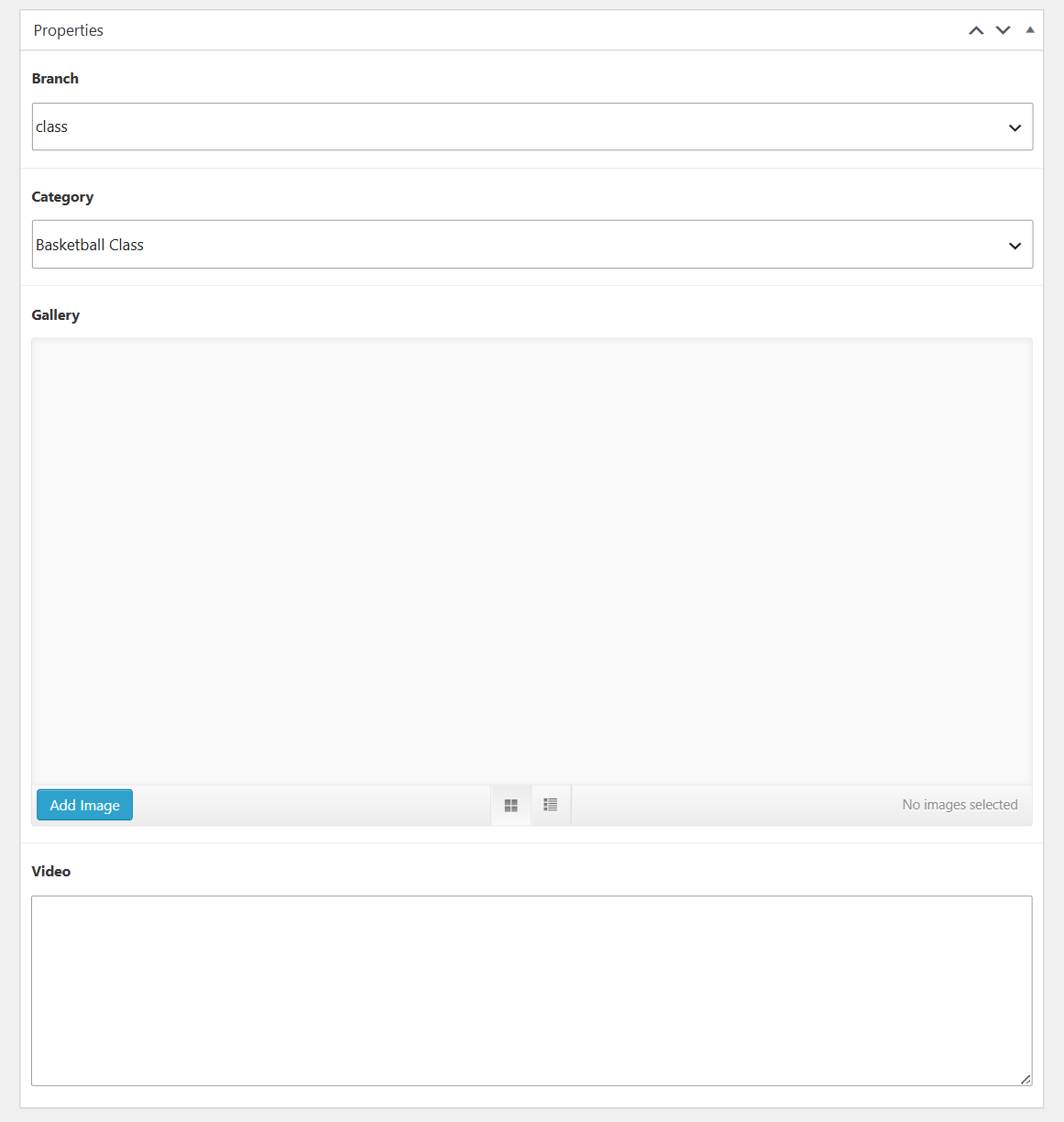
You can choose a branch, and a category for a new class.
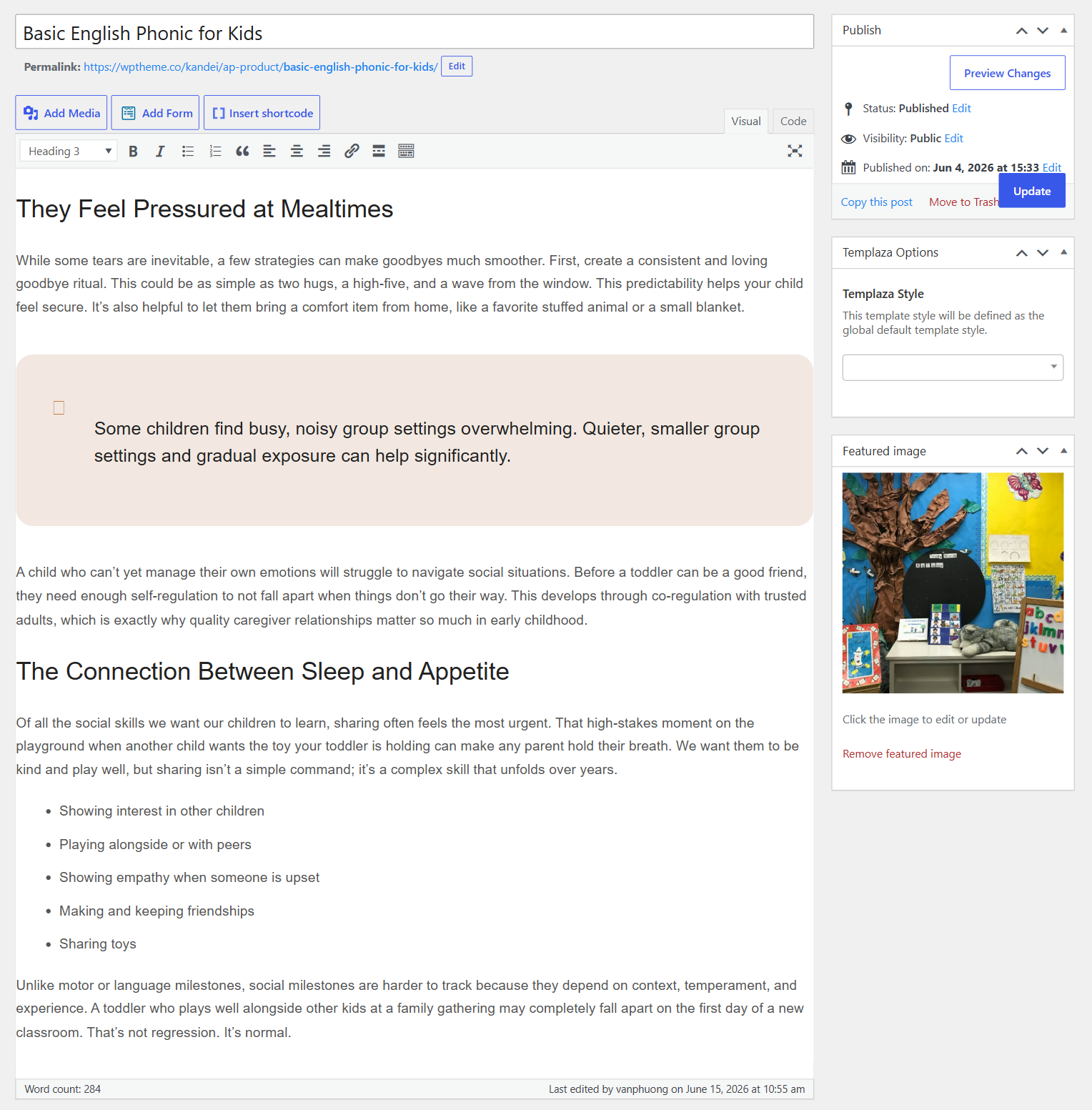
Class Content
Add your class's content.
Class Features
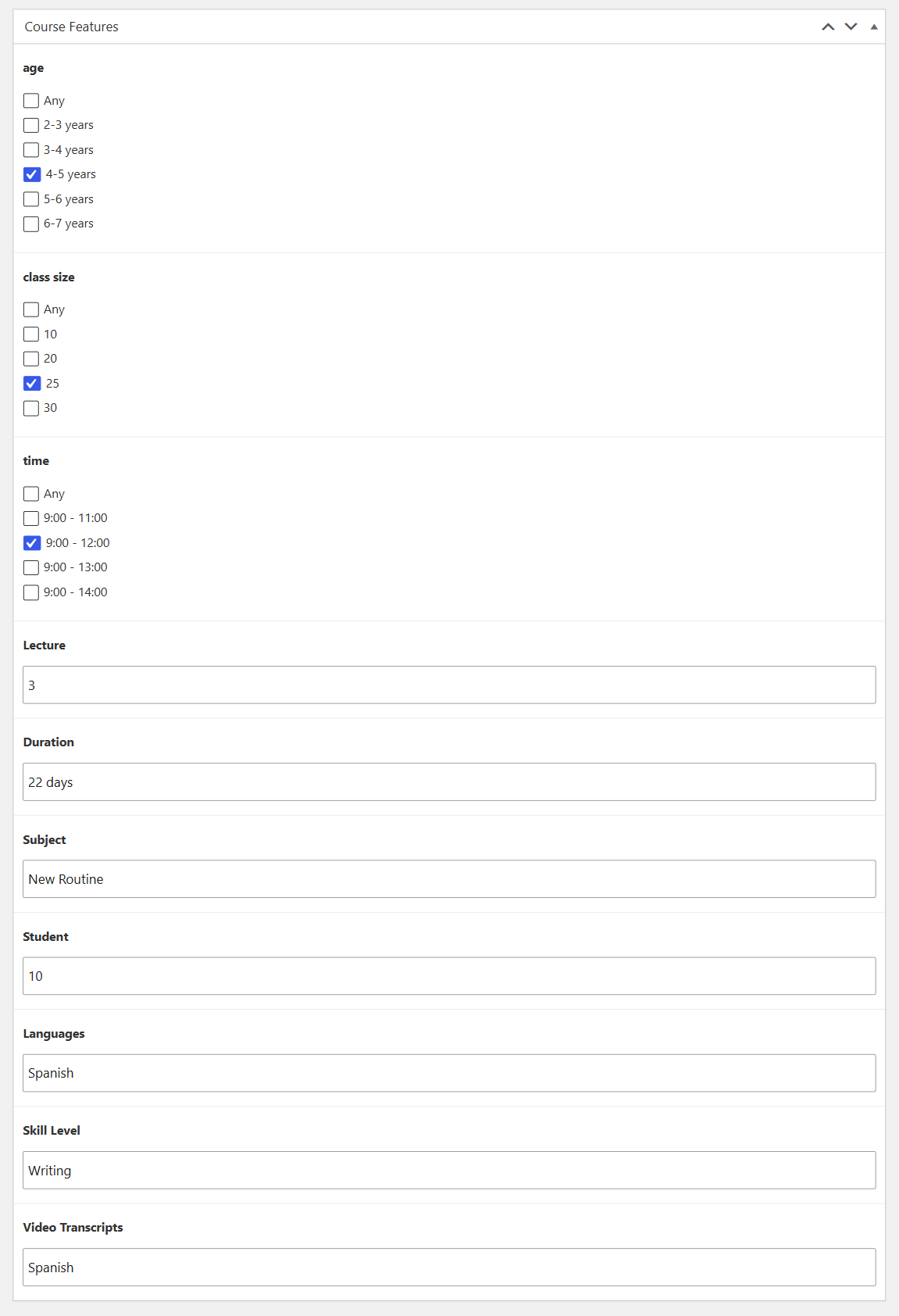
Here you can fulfill data for each field in the class features group. To edit one of these feature fields, you can go to Advanced Products > Custom Fields > Navigate and edit each one.
Class Pricing
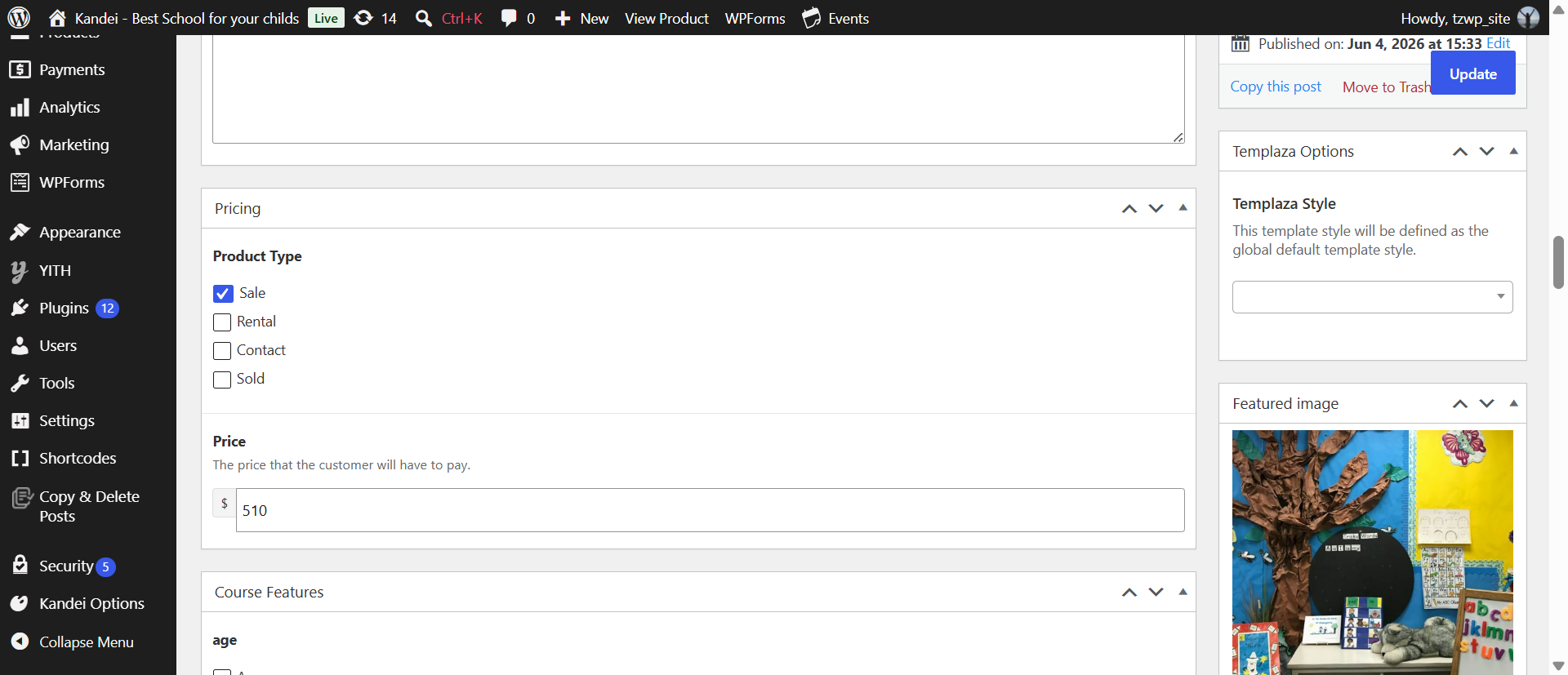
Set a price for your course. There are 4 main pricing types you can choose:
- Sale
- Rental
- Contact
- Sold
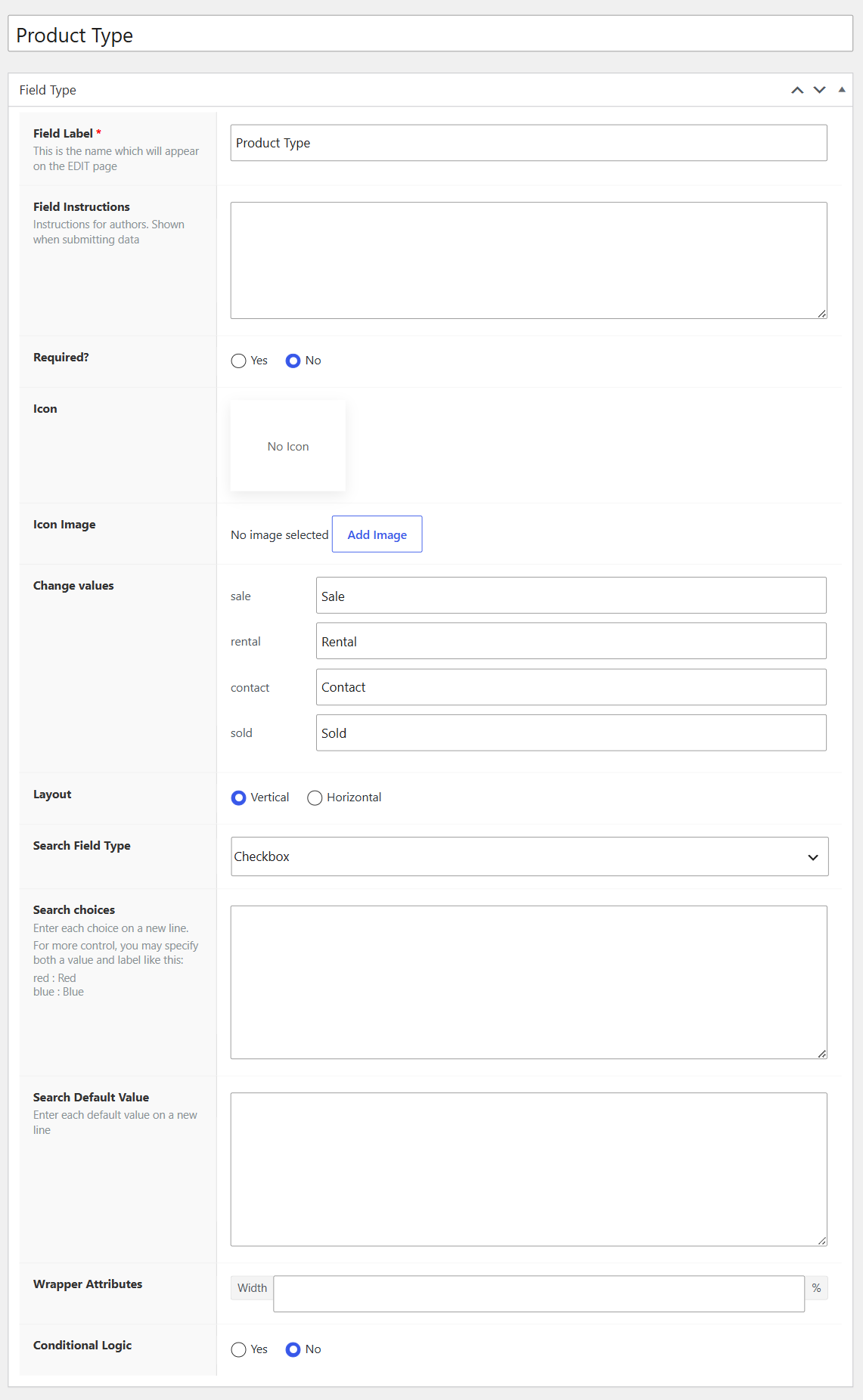
To edit these pricing types, you can go to Advanced Products > Custom Fields > Navigate and edit Product Type field. In case you would like to add more product types, please contact the support team.