Theme's Footer
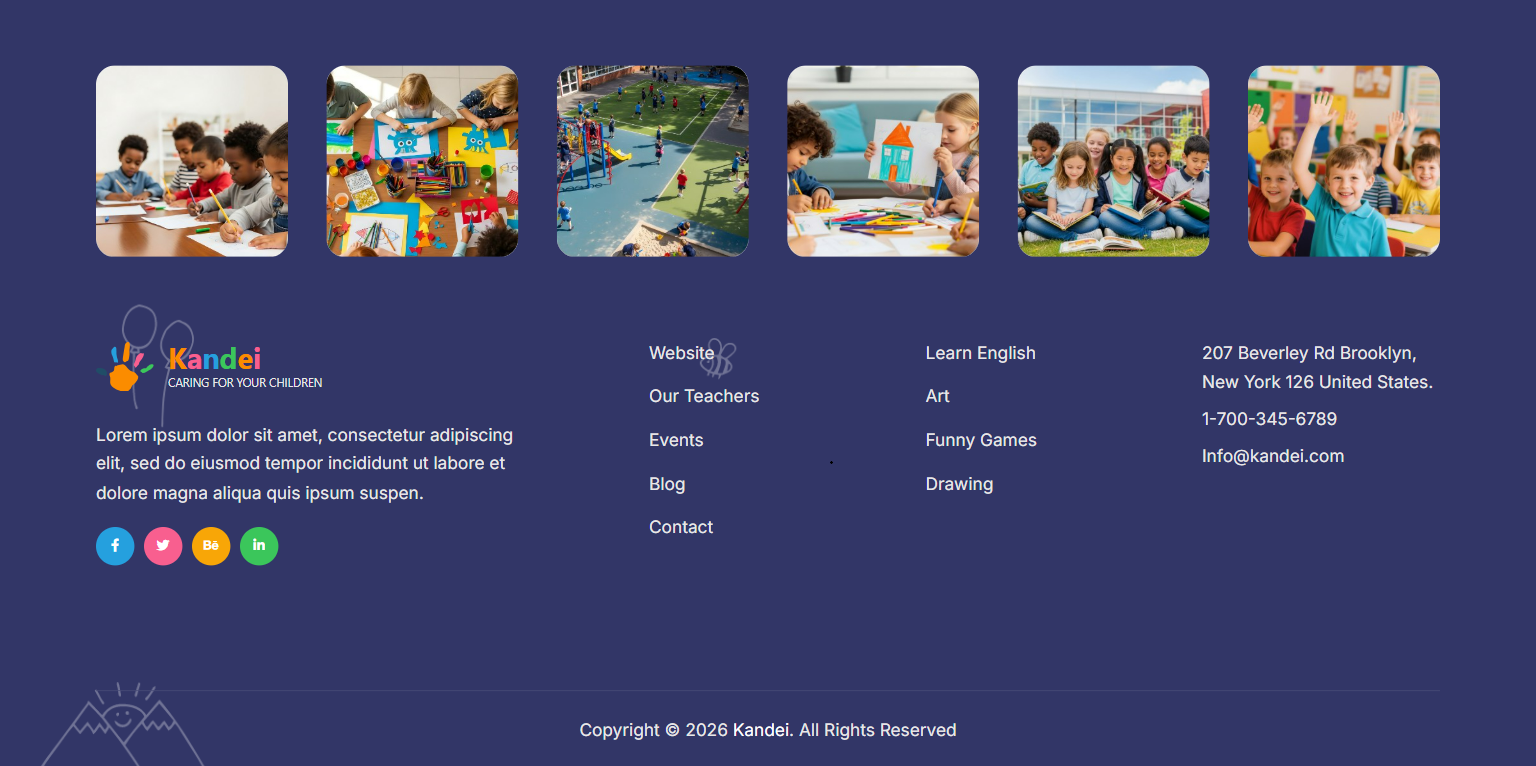
Footer layout
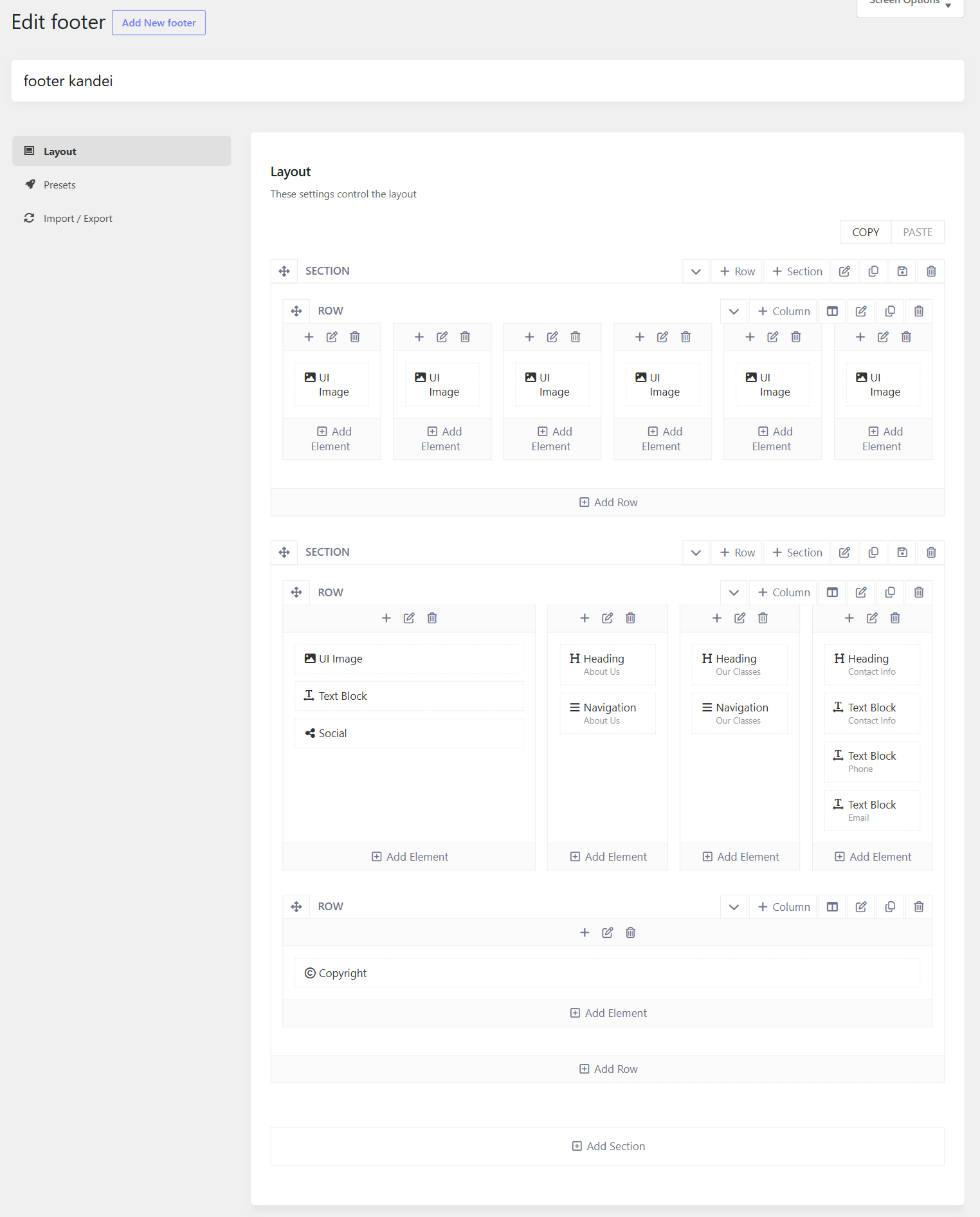
To change the footer content, please go to Kandei Options > Footers > Open your Footer template > Layout. There you can see the layout built with different elements, you can edit elements such as Heading, Navigation, and Text Block directly in the layout.
- Social Icons: If you add Social element to the footer, then please go to Kandei Options > Settings > Social > There you can manage social icons.
- Copyright: you can go to Kandei Options > Settings > Miscellaneous >
You can also use a text block to display the copyright.
Footer Background
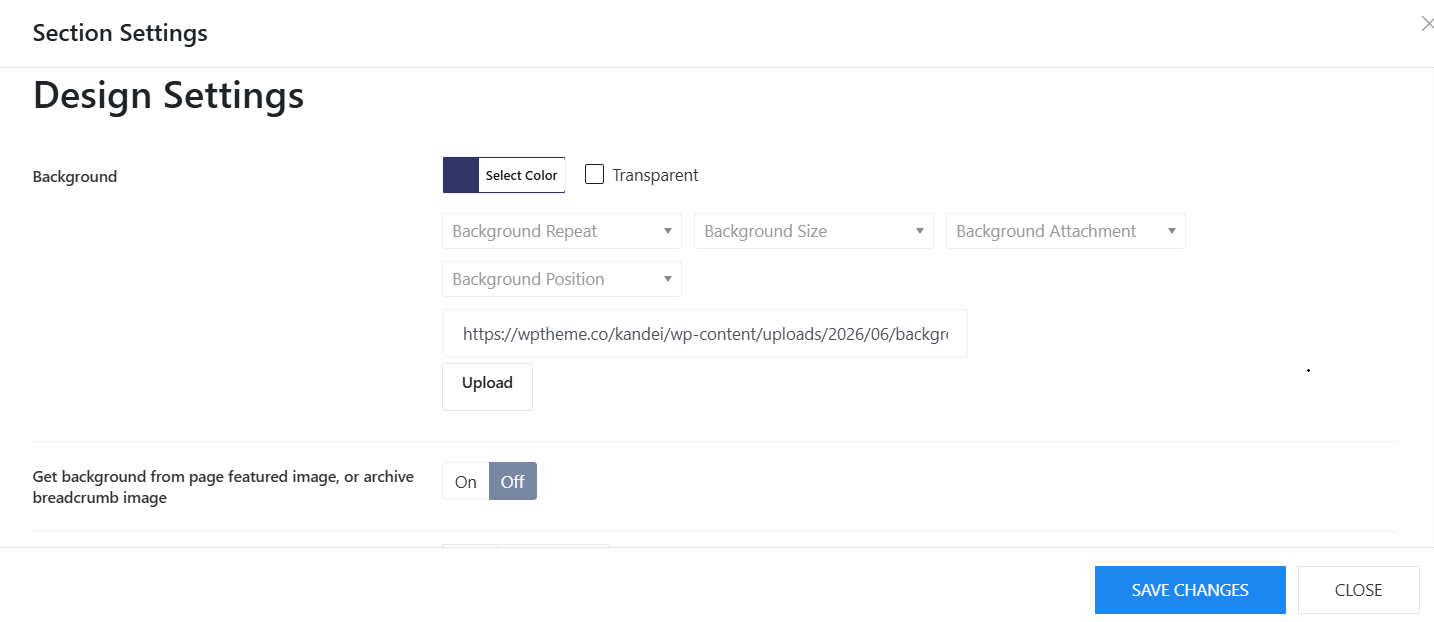
To change background color or background image of the footer, you can easily edit it from the footer layout. Please edit the footer section > Design Settings > Change the background color or upload background image there. Besides, you can also change the background image, background overlay, border radius and so on.
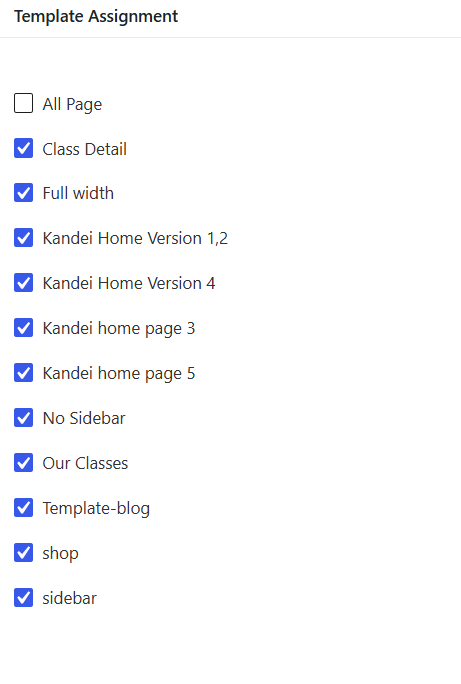
Footer Assignment
You can assign a footer to one or many templates. In the Template assignment, checkbox templates that you would like to assign the template to.