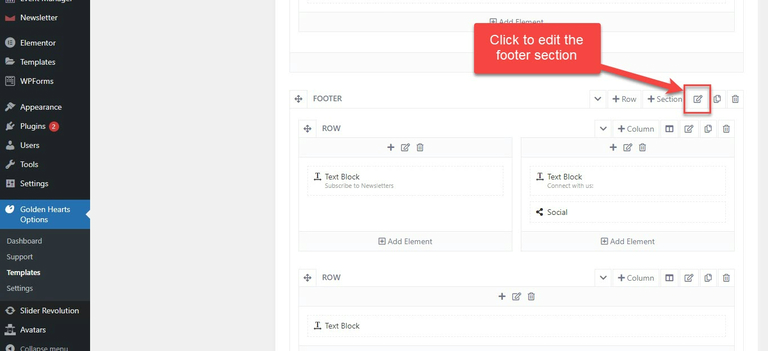
Footer
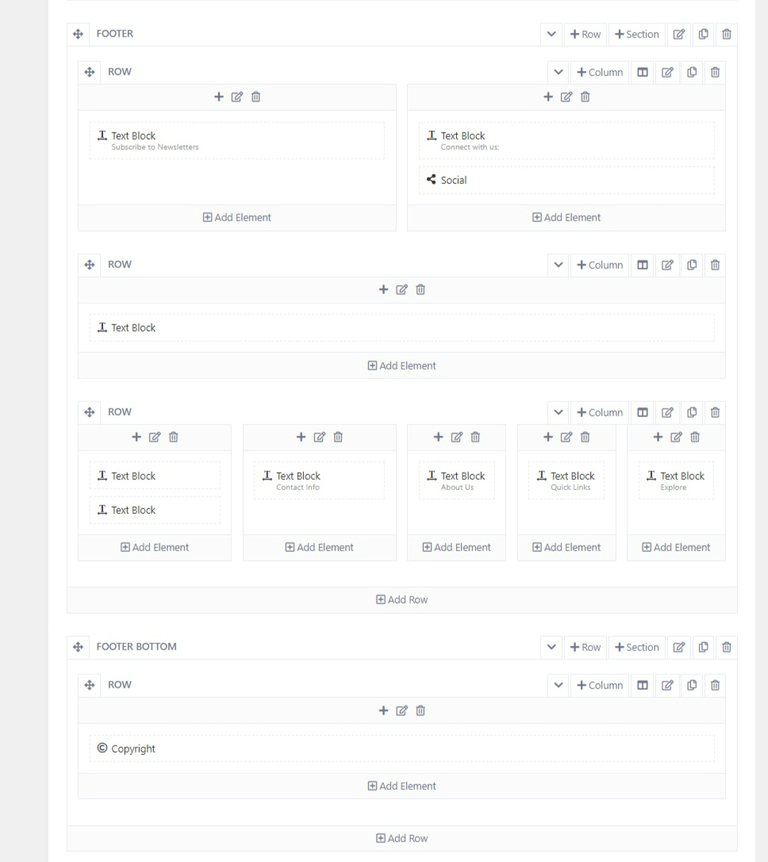
1.Footer's layout
Please go to wp-admin > Golden Heart Options > templates > edit your template > layout:
Edit elements in the text block of Newsletter, "Connect with us" title
2.How to change the line below the Newsletter box
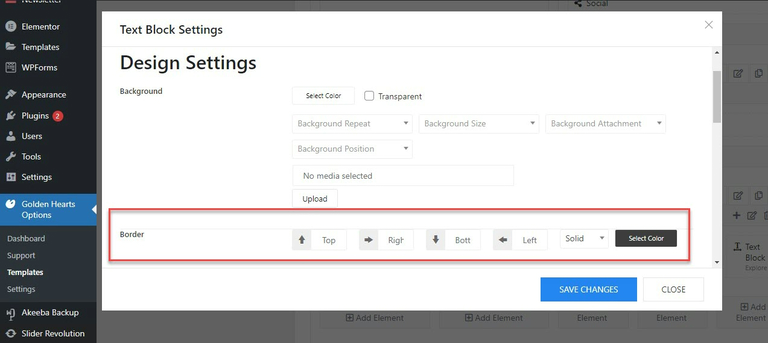
- Please edit the text block under Newsletter and social icons
- In the Design setting tab, change the border-color
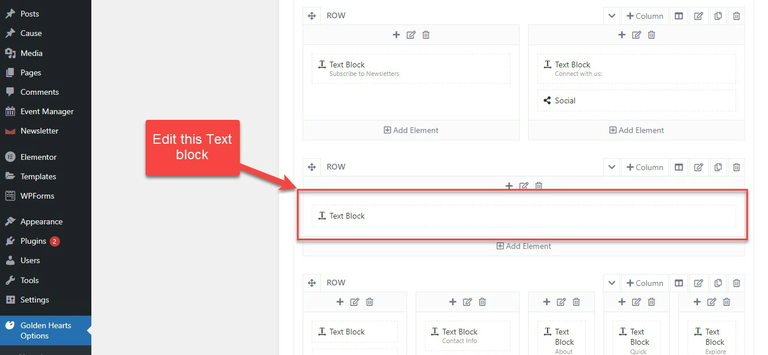
3.How to change the Footer logo
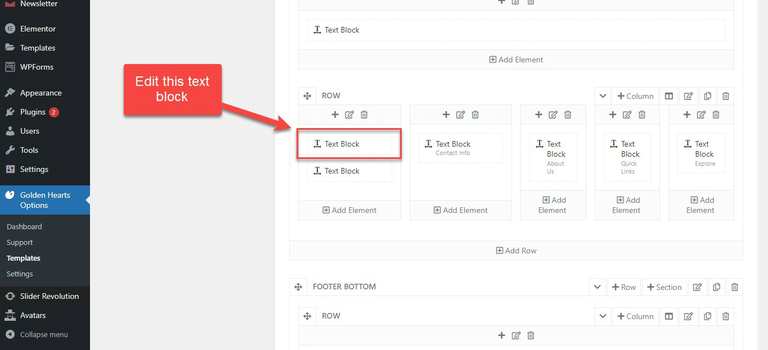
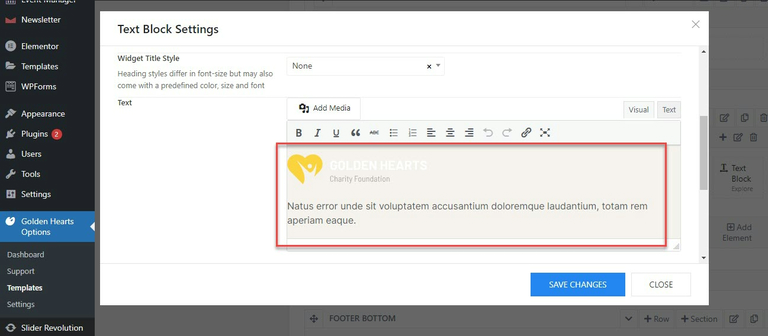
Please edit the logo's text block in the Footer section, you can see the image below:
4.How to change the footer's background color
- Please click to edit the Footer Section > tab Design Settings
- Change the background color option