Theme Logo
Default & Mobile Logo
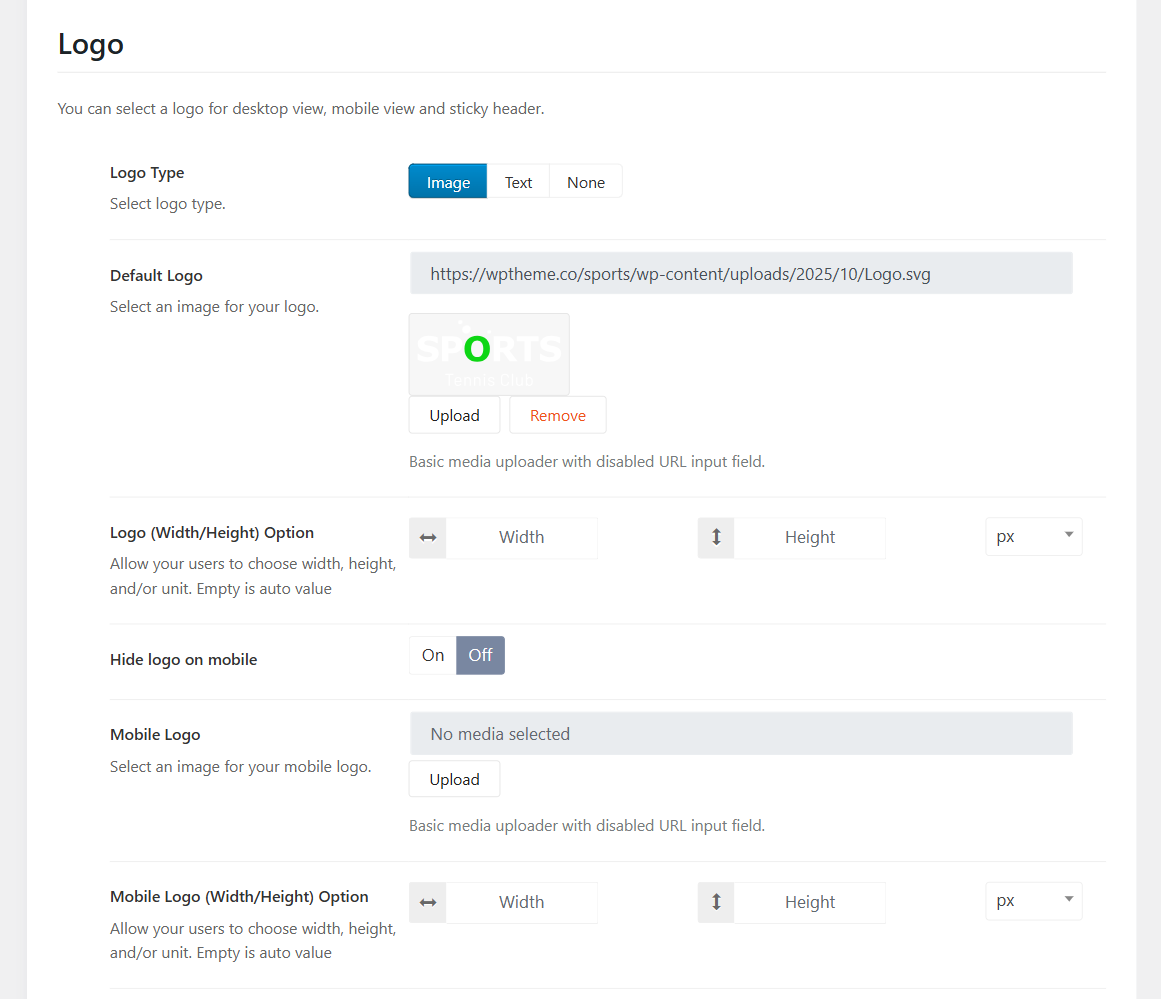
Please go to Sport Options > Headers > Open your header template > Header > Scroll down the Logo section, choose logo type and change the default logo, and mobile logo.
You can adjust the logo's size by configuring the logo width and height options (If it doesn't help, kindly contact the support team.)
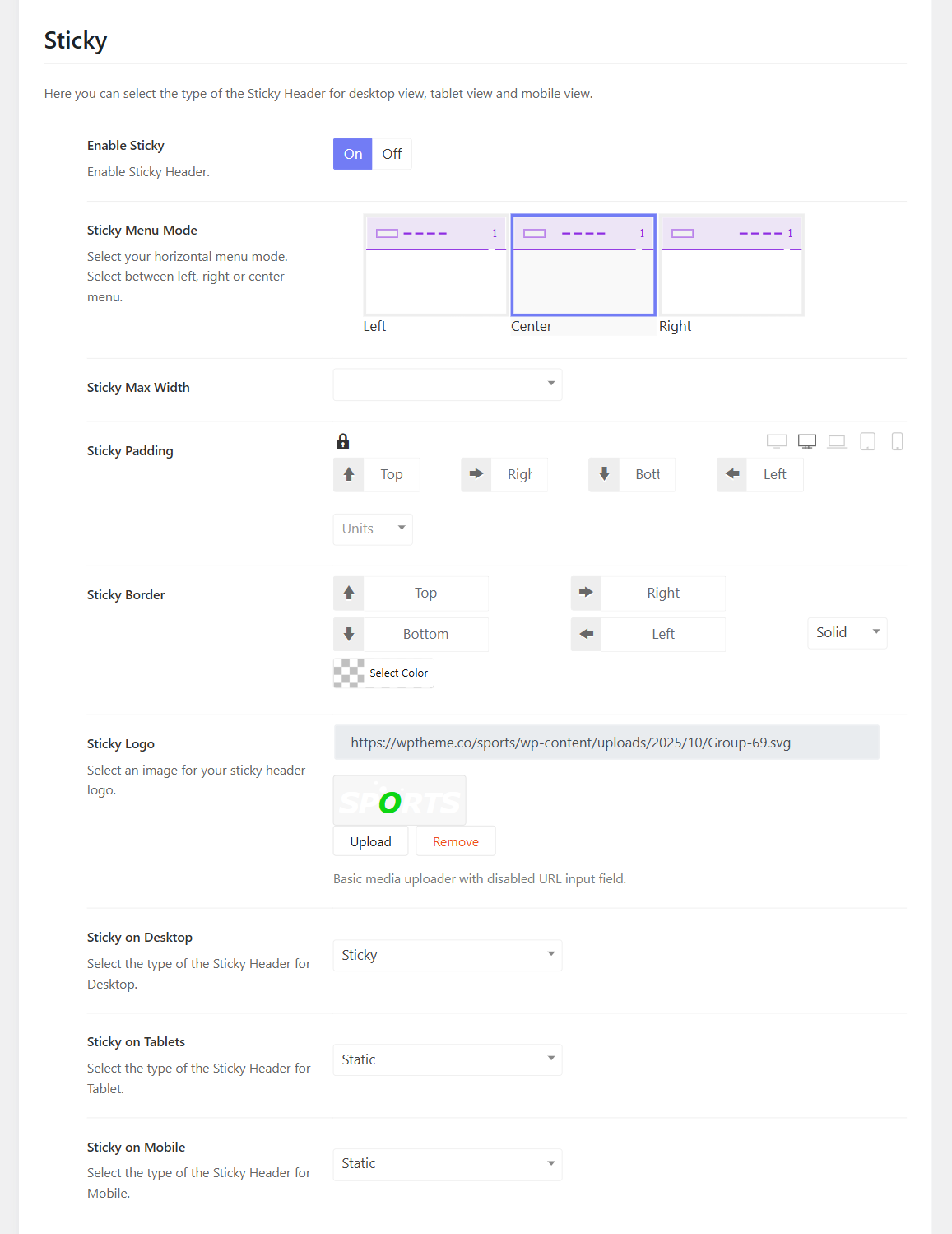
Sticky Logo
Below the Logo section, you can also enable the sticky logo option, then upload the sticky logo and configure options.