Theme's Footer
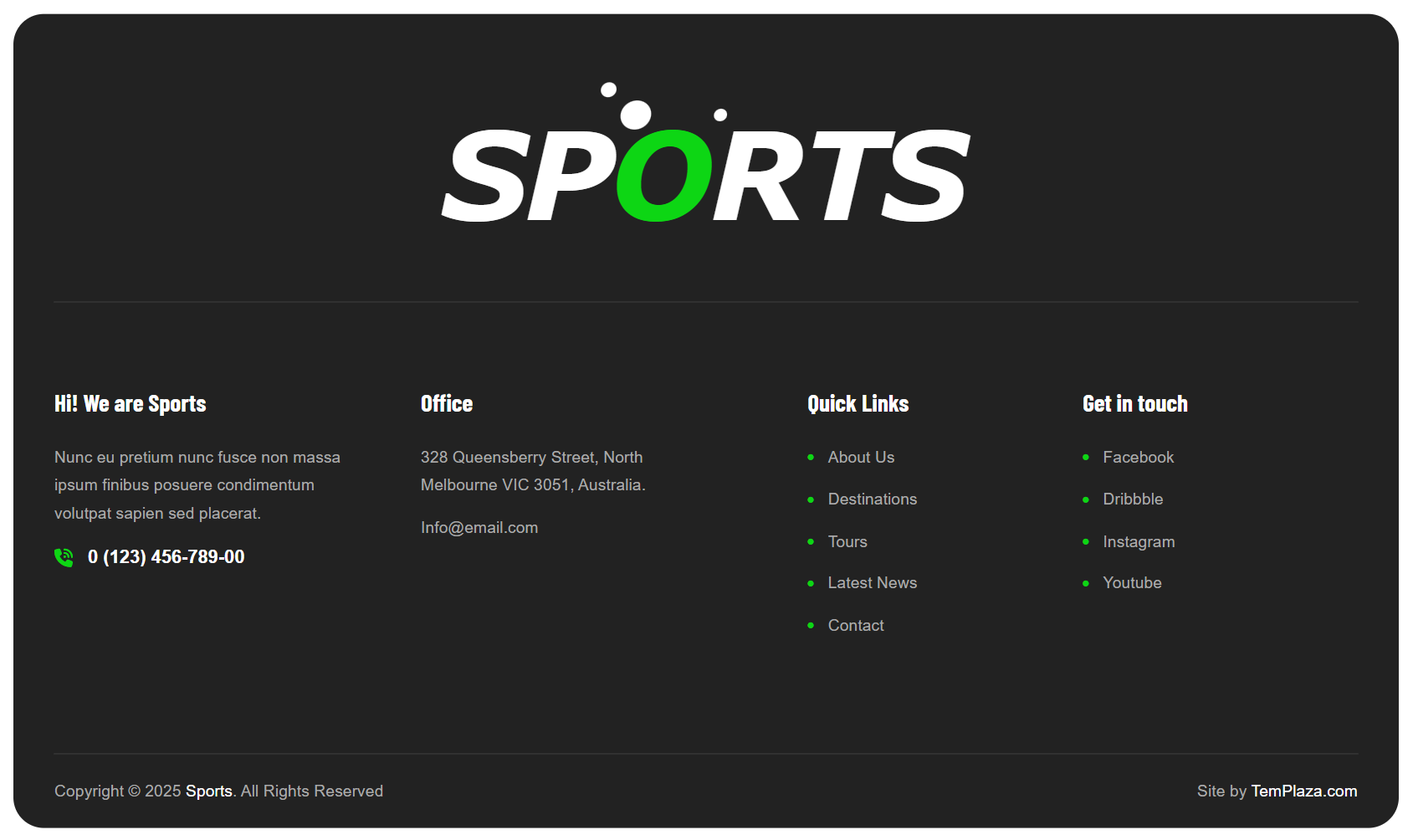
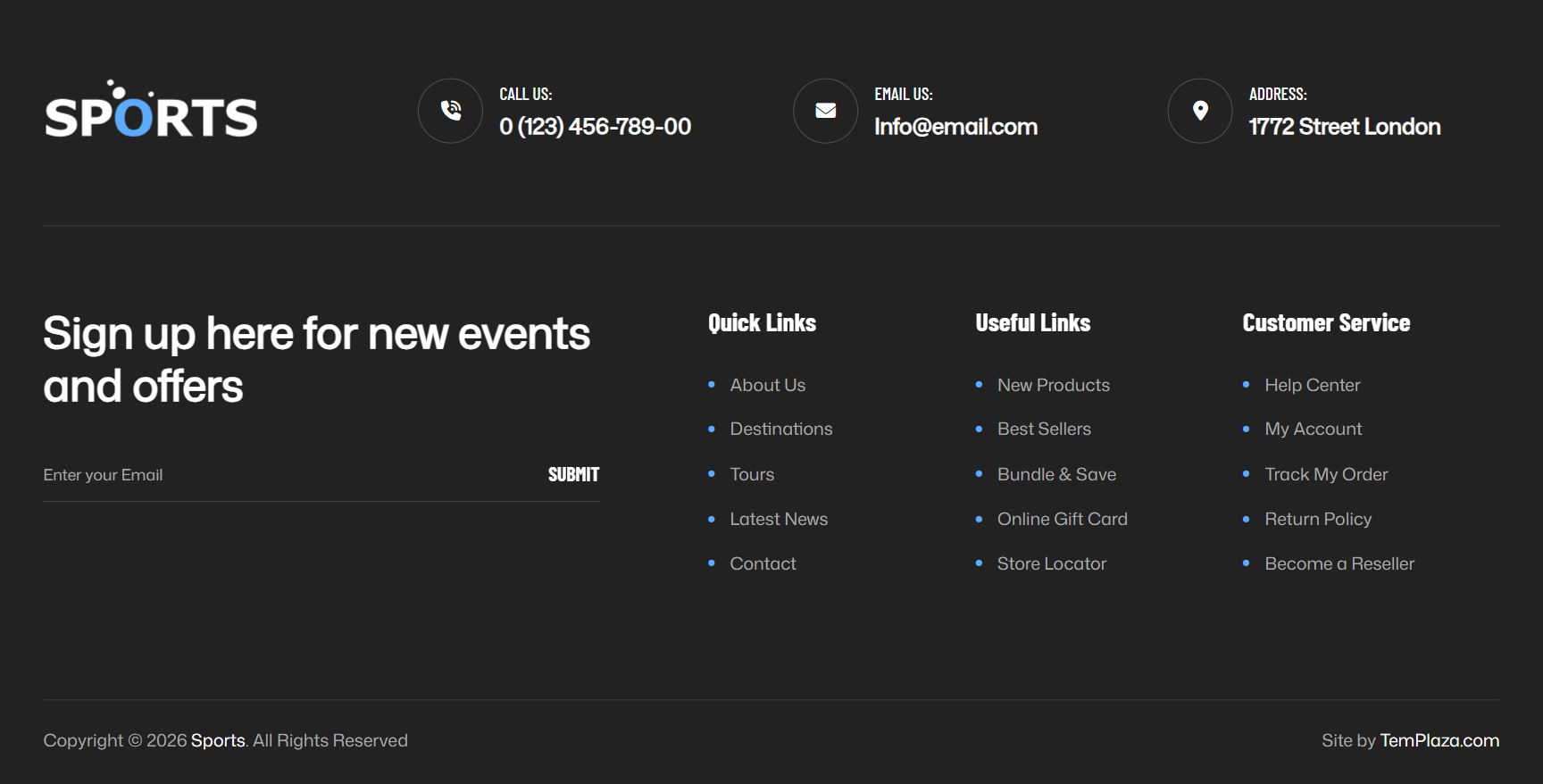
Footer layout
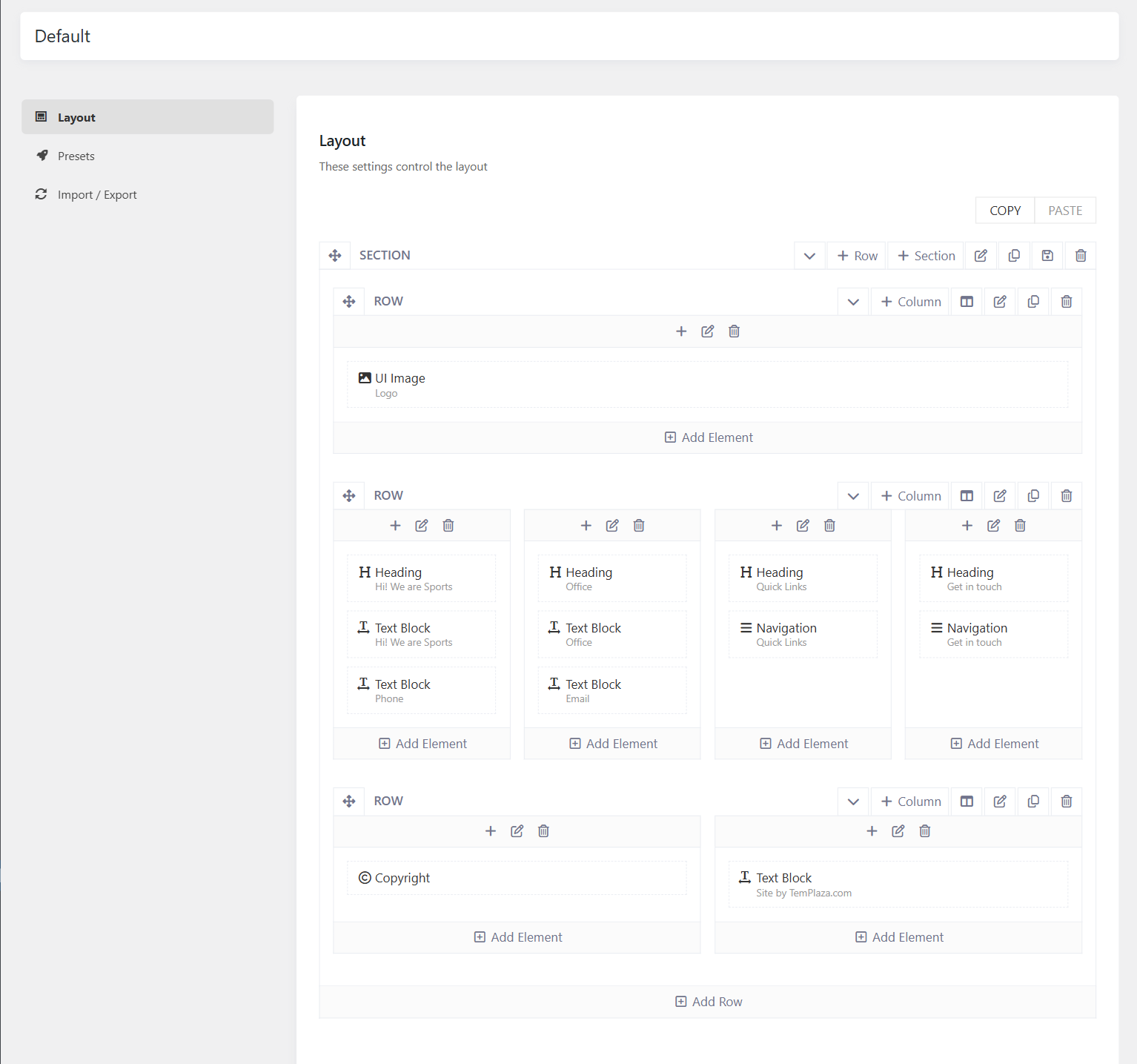
To change the footer content, please go to Sports Options > Footers > Open your Footer template > Layout. There you can see the layout built with different elements, you can edit elements such as Heading, Navigation, and Text Block directly in the layout.
- Social Icons: If you add Social element to the footer, then please go to Sports Options > Settings > Social > There you can manage social icons.
- Copyright: you can go to Sports Options > Settings > Miscellaneous > Copyright. You can also use a text block to display the copyright.
Footer Background
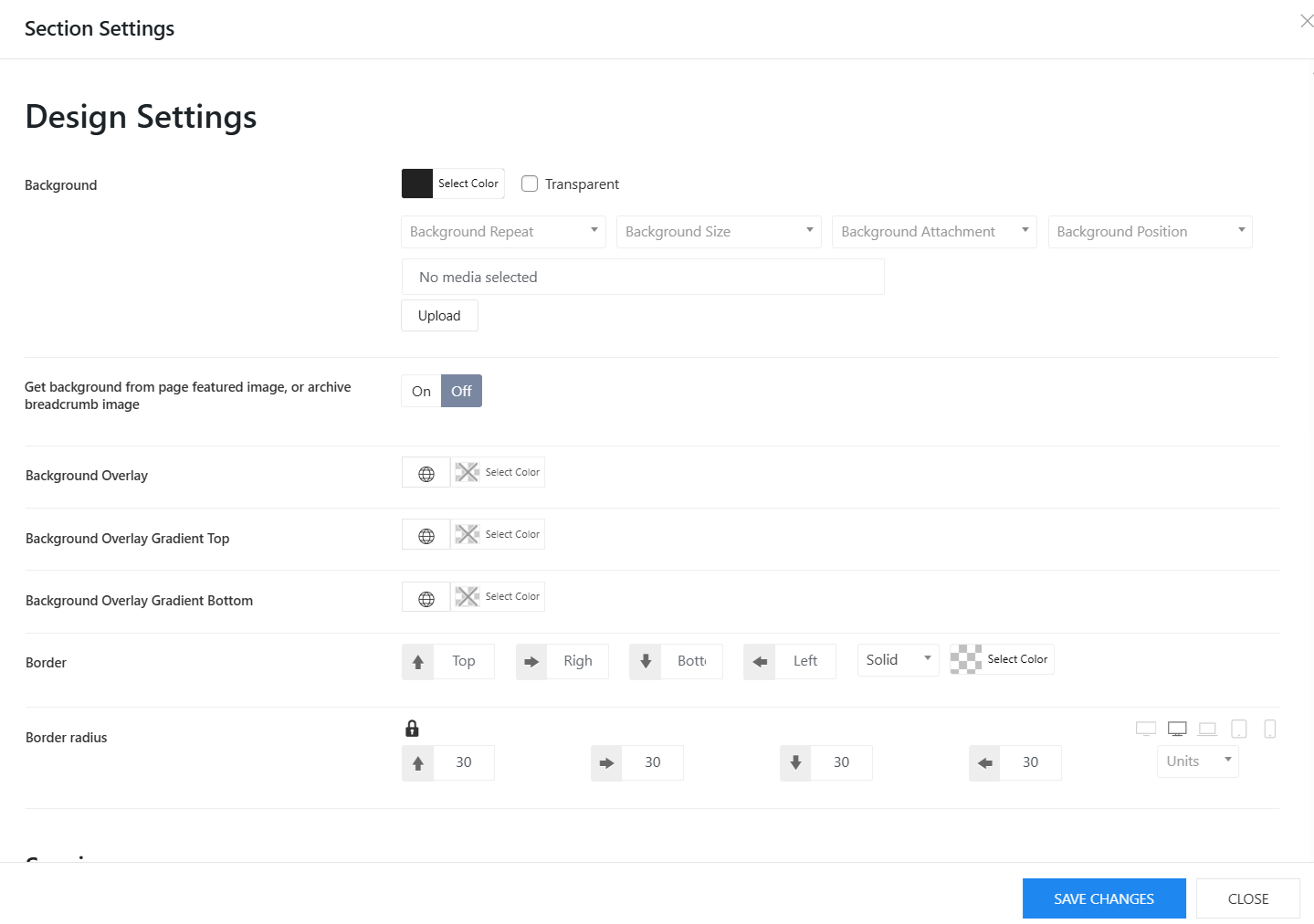
To change the black background color of the footer, you can easily edit it from the footer layout. Please edit the footer section > Design Settings > Change the background color there. Besides, you can also change the background image, background overlay, border radius and so on.