Blog Slider Options
The Blog Slider Options allow you to control how blog posts are displayed and animated within the slider. These settings help create a more engaging browsing experience for your website visitors.
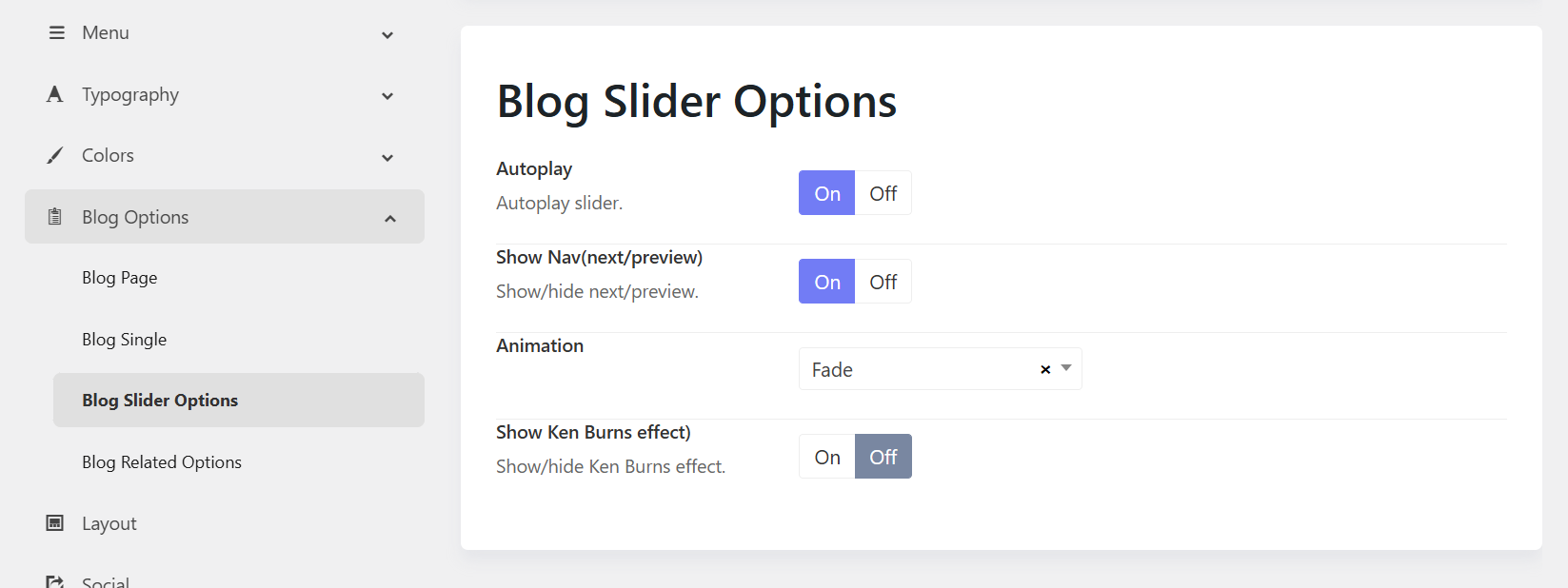
1. Autoplay
Purpose: Automatically rotates through blog slides without user interaction.
Options:
- On – Slides advance automatically after a set interval.
- Off – Visitors must manually navigate between slides.
When to use:
- Enable for featured content, news highlights, or homepage sliders.
- Disable when users need more time to read slide content.
2. Show Nav (Next/Previous)
Purpose: Displays navigation arrows that allow visitors to move between slides manually.
Options:
- On – Shows Previous and Next navigation controls. Enable for better user control and accessibility.
- Off – Hides navigation arrows. Disable if you're interested in a cleaner or minimal design.
3. Animation
Purpose: Defines the transition effect used when switching between slides. You can choose one of animation options available.
4. Show Ken Burns Effect
Purpose: Applies a subtle zoom and pan animation to slider images, creating a cinematic effect.
- On – Enables the Ken Burns animation.
- Off – Displays images without zooming or panning.
When to use:
- Enable when using high-quality featured images to add visual interest.
- Disable if you prefer static images or want to minimize motion effects.