Theme Installation
1. Download the theme package
Go to Themeforest.net > Your Download page. Please download the package from your download page.
2. Installing your theme
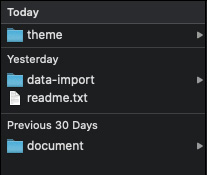
To install the theme correctly, after downloading the theme package from Themeforest, you need to Unzip the package. There are folders inside.
3. Install Theme via WordPress Admin
- Navigate to Appearances -> Themes
- Click Add New button and then hit the Upload Theme button
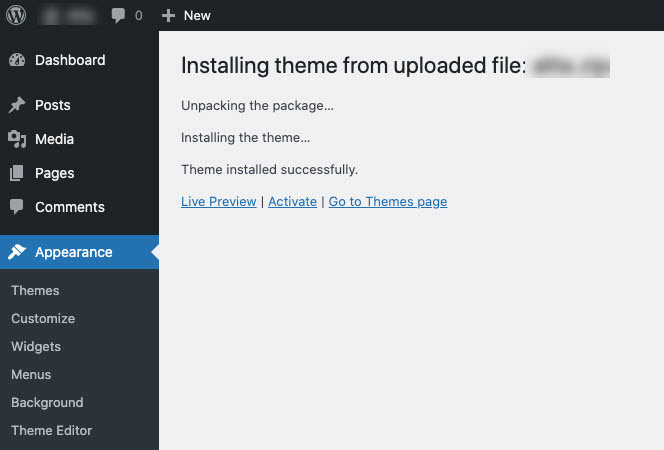
- Click on Browser to upload the theme's.zip file (ex: alita.zip) in the Theme folder and click Install Now.
- Click Activate to activate the installed themes.
4. Install the theme via FTP
- Unzip the theme's .zip in the theme folder of the theme package.
- Upload the extracted folder in the previous step into /wp-content / themes/
- To activate the theme, go to Appearances --> Themes> and activate it.